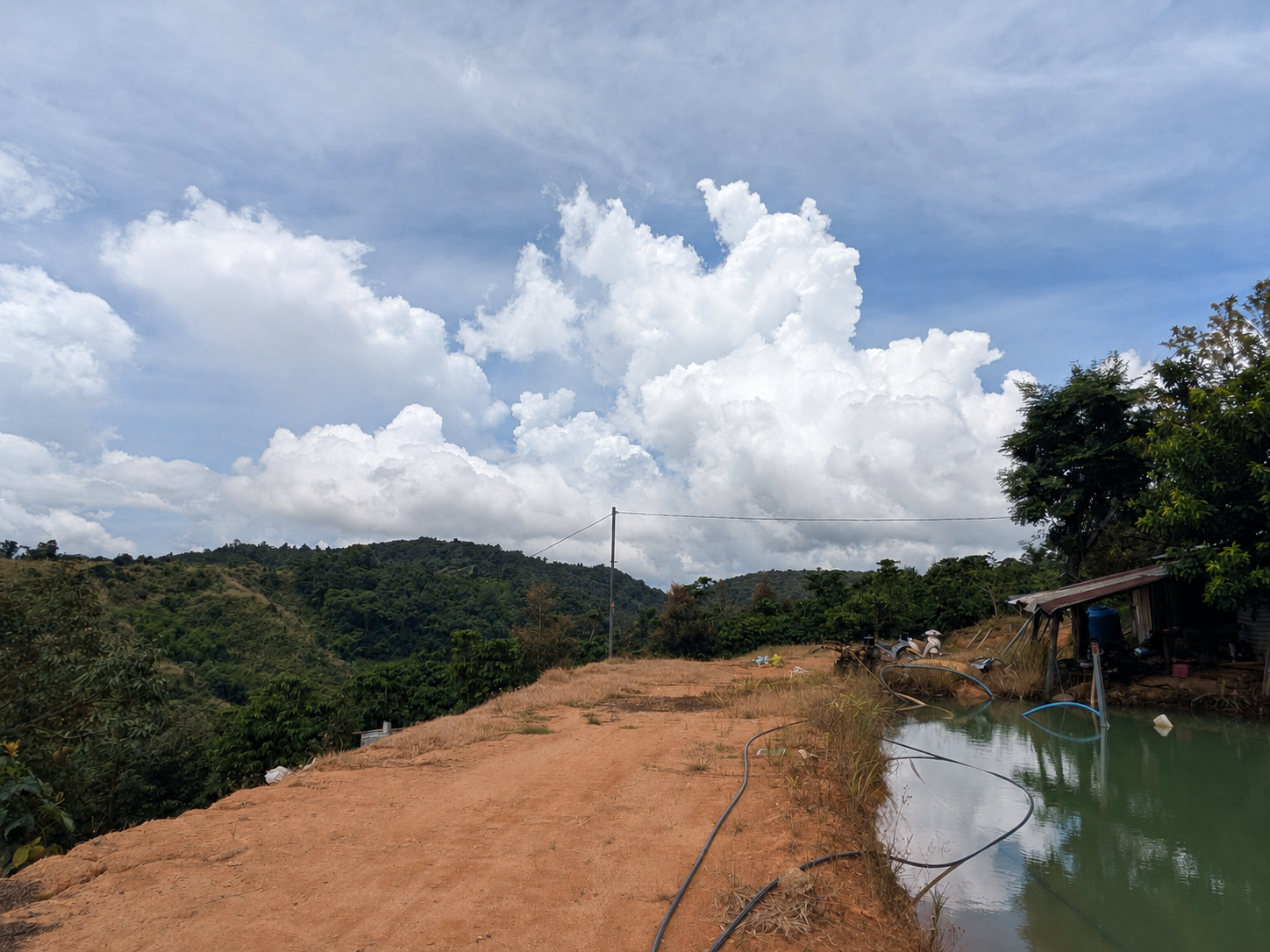
#MakerLab Bảo Lộc Environmental Data
Live environmental data from the MakerLab station in Bảo Lộc, Lâm Đồng, Vietnam.
The station continuously records local environmental conditions and publishes the data through a public ThingSpeak API.
This dataset can be used for:
- Creative coding
- Generative visuals
- Interactive websites
- Data sonification
- Environmental visualization
- Physical installations
- Research and experiments
#Dataset
The station currently provides eight environmental signals.
| Field | Data | Unit |
|---|---|---|
field1 | Temperature | °C |
field2 | Humidity | % RH |
field3 | Light intensity | lux |
field4 | Wind speed | m/s |
field5 | Wind direction | degree |
field6 | PM2.5 | µg/m³ |
field7 | PM10 | µg/m³ |
field8 | Atmospheric pressure | kPa |
Each observation also contains:
created_at— timestampentry_id— data entry number
#API
The dataset is publicly available through the ThingSpeak REST API.
Channel ID
3448221Base URL
https://api.thingspeak.com#Latest Observation
Use this endpoint to retrieve the newest environmental observation.
https://api.thingspeak.com/channels/3448221/feeds/last.jsonExample response:
{
  "created_at": "2026-09-03T00:51:43Z",
  "entry_id": 11905,
  "field1": "23.30",
  "field2": "83.70",
  "field3": "25888",
  "field4": "0.60",
  "field5": "218",
  "field6": "9",
  "field7": "19",
  "field8": "90.30"
}
This is the recommended endpoint for most interactive and creative projects.
#Historical Data
Retrieve the latest 20 observations:
https://api.thingspeak.com/channels/3448221/feeds.json?results=20Change the value of results to retrieve more entries.
For example:
https://api.thingspeak.com/channels/3448221/feeds.json?results=100This is useful for:
- Charts
- Time-series visualization
- Data analysis
- Generative systems using recent history
#Reading a Single Field
You can also request only one sensor.
#Temperature
https://api.thingspeak.com/channels/3448221/fields/1.json?results=100#Humidity
https://api.thingspeak.com/channels/3448221/fields/2.json?results=100#Light
https://api.thingspeak.com/channels/3448221/fields/3.json?results=100#Wind Speed
https://api.thingspeak.com/channels/3448221/fields/4.json?results=100#Wind Direction
https://api.thingspeak.com/channels/3448221/fields/5.json?results=100#PM2.5
https://api.thingspeak.com/channels/3448221/fields/6.json?results=100#PM10
https://api.thingspeak.com/channels/3448221/fields/7.json?results=100#Pressure
https://api.thingspeak.com/channels/3448221/fields/8.json?results=100#Latest Value Only
If you only need one numerical value, ThingSpeak can return plain text.
For example, latest temperature:
https://api.thingspeak.com/channels/3448221/fields/1/last.txtResponse:
23.3This format can be useful for simple installations, microcontrollers, Processing, TouchDesigner, Max/MSP, or other systems that do not need the complete JSON response.
#JavaScript
JavaScript can access the data directly using fetch().
const url =
  "https://api.thingspeak.com/channels/3448221/feeds/last.json";

async function loadEnvironment() {

  const response = await fetch(url);
  const data = await response.json();

  const environment = {

    temperature: Number(data.field1),
    humidity: Number(data.field2),
    light: Number(data.field3),

    windSpeed: Number(data.field4),
    windDirection: Number(data.field5),

    pm25: Number(data.field6),
    pm10: Number(data.field7),

    pressure: Number(data.field8)

  };

  console.log(environment);
}

loadEnvironment();
The values can then be accessed using:
environment.temperature
environment.humidity
environment.light

environment.windSpeed
environment.windDirection

environment.pm25
environment.pm10

environment.pressure#Updating the Data
For example, request new data every 20 seconds:
loadEnvironment();

setInterval(() => {
  loadEnvironment();
}, 20000);#p5.js
p5.js is useful for generative graphics and interactive web-based artworks.
let environment;

function setup() {

  createCanvas(800, 600);

  loadEnvironment();

  setInterval(
    loadEnvironment,
    20000
  );
}

function draw() {

  background(20);

  if (!environment) return;

  const objectSize = map(
    environment.temperature,
    15,
    35,
    50,
    400
  );

  const angle =
    radians(
      environment.windDirection
    );

  push();

  translate(
    width / 2,
    height / 2
  );

  rotate(angle);

  ellipse(
    0,
    0,
    objectSize,
    objectSize
  );

  line(
    0,
    0,
    environment.windSpeed * 50,
    0
  );

  pop();
}

async function loadEnvironment() {

  const url =
    "https://api.thingspeak.com/channels/3448221/feeds/last.json";

  const response =
    await fetch(url);

  const data =
    await response.json();

  environment = {

    temperature:
      Number(data.field1),

    humidity:
      Number(data.field2),

    light:
      Number(data.field3),

    windSpeed:
      Number(data.field4),

    windDirection:
      Number(data.field5),

    pm25:
      Number(data.field6),

    pm10:
      Number(data.field7),

    pressure:
      Number(data.field8)

  };
}
In this example:
Temperature → Object size

Wind direction → Rotation

Wind speed → Line length#Python
Python can be used for data analysis, installations, Raspberry Pi systems, machine learning, or data logging.
Install the requests library if needed:
pip install requestsRead the latest observation:
import requests

url = (
    "https://api.thingspeak.com/"
    "channels/3448221/"
    "feeds/last.json"
)

response = requests.get(url)

data = response.json()

environment = {

    "temperature":
        float(data["field1"]),

    "humidity":
        float(data["field2"]),

    "light":
        float(data["field3"]),

    "wind_speed":
        float(data["field4"]),

    "wind_direction":
        float(data["field5"]),

    "pm25":
        float(data["field6"]),

    "pm10":
        float(data["field7"]),

    "pressure":
        float(data["field8"])
}

print(environment)
Example output:
{
  'temperature': 23.3,
  'humidity': 83.7,
  'light': 25888,
  'wind_speed': 0.6,
  'wind_direction': 218,
  'pm25': 9,
  'pm10': 19,
  'pressure': 90.3
}#Historical Data
import requests

url = (
    "https://api.thingspeak.com/"
    "channels/3448221/"
    "feeds.json?results=100"
)

data = requests.get(url).json()

for entry in data["feeds"]:

    print(
        entry["created_at"],
        entry["field1"]
)#Processing
Processing can use the JSON API directly.
String url =
  "https://api.thingspeak.com/"
  + "channels/3448221/"
  + "feeds/last.json";

JSONObject data;

float temperature;
float windSpeed;
float windDirection;

void setup() {

  size(800, 600);

  loadEnvironment();
}

void draw() {

  background(20);

  float objectSize =
    map(
      temperature,
      15,
      35,
      50,
      400
    );

  pushMatrix();

  translate(
    width / 2,
    height / 2
  );

  rotate(
    radians(windDirection)
  );

  ellipse(
    0,
    0,
    objectSize,
    objectSize
  );

  line(
    0,
    0,
    windSpeed * 50,
    0
  );

  popMatrix();
}

void loadEnvironment() {

  data =
    loadJSONObject(url);

  temperature =
    data.getFloat("field1");

  windSpeed =
    data.getFloat("field4");

  windDirection =
    data.getFloat("field5");
}#Creative Mapping
Environmental data does not need to be displayed as numbers.
It can become a changing parameter inside an artwork.
| Signal | Possible Mapping |
|---|---|
| Temperature | Color, scale, animation speed |
| Humidity | Blur, opacity, density |
| Light | Brightness, exposure |
| Wind speed | Movement, turbulence, sound volume |
| Wind direction | Rotation, movement direction, spatial audio |
| PM2.5 | Noise, grain, distortion |
| PM10 | Particle density, visual complexity |
| Pressure | Vertical position, compression, pitch |
For example:
Environment in Bảo Lộc
        ↓
Weather Station
        ↓
ThingSpeak
        ↓
HTTP / JSON
        ↓
Creative Code
        ↓
Mapping
        ↓
Image / Sound / Light / Movement
The data does not need to recreate the environment literally. It can instead act as a changing signal that influences the behavior of an artwork.
#Dew Point
Dew point is not stored as a separate ThingSpeak field.
It can be calculated from:
Temperature
+
Relative Humidity
↓
Dew Point
Example in JavaScript:
function dewPoint(
  temperature,
  humidity
) {

  const a = 17.27;
  const b = 237.7;

  const alpha =
    ((a * temperature)
      / (b + temperature))
    +
    Math.log(
      humidity / 100
    );

  return (
    b * alpha
  ) / (
    a - alpha
  );
}#Wind Direction
Wind direction should normally be interpreted together with wind speed.
For example:
Wind Speed = 0 m/s
Wind Direction = 0°
may simply indicate:
CALM / NO MEASURABLE WINDinstead of wind coming from the north.
For creative coding:
if (environment.windSpeed <= 0) {

  // Treat wind direction as undefined

}#Recommended Setup
For most creative projects, only one endpoint is necessary:
https://api.thingspeak.com/channels/3448221/feeds/last.jsonConvert the result into a simple object:
const environment = {

  temperature:
    Number(data.field1),

  humidity:
    Number(data.field2),

  light:
    Number(data.field3),

  windSpeed:
    Number(data.field4),

  windDirection:
    Number(data.field5),

  pm25:
    Number(data.field6),

  pm10:
    Number(data.field7),

  pressure:
    Number(data.field8)

};
The artwork can then work directly with:
environment.temperature

environment.humidity

environment.light

environment.windSpeed

environment.windDirection

environment.pm25

environment.pm10

environment.pressure
The ThingSpeak system can remain hidden behind this layer.
REMOTE ENVIRONMENT
        ↓
DATA
        ↓
CREATIVE SYSTEM
        ↓
ARTWORK#Open Data
The environmental dataset can also be viewed through MakerLab's open data interface.
#Notes
The dataset is public and intended for experimental, educational, artistic, and research use.
For most interactive artworks, retrieving the latest observation every 15–30 seconds is sufficient.